
VS Code 插件之 - Prettier
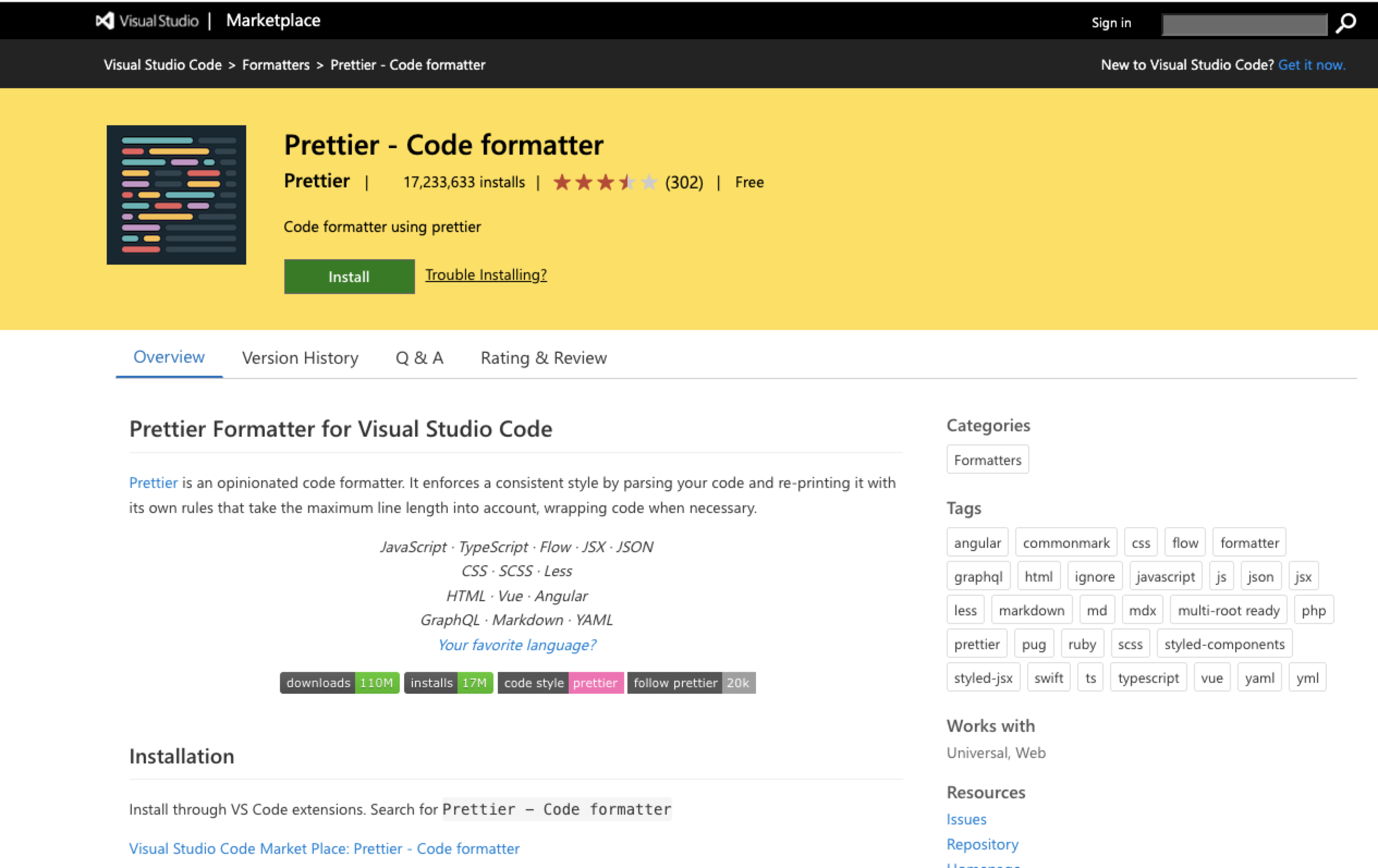
在插件市场搜索Prettier并安装
VS Code 参考配置项
"prettier.tabWidth": 4,
"prettier.useTabs": false,
"prettier.semi": false,
"prettier.printWidth": 160,
"prettier.trailingComma": "none",
"prettier.singleQuote": true,
"prettier.arrowParens": "avoid",
一般配置项描述
- printWidth 编辑器每行的长度,默认 80
- tabWidth 制表符 tab 的宽度,默认值是 2
- useTabs 代码缩进是否用制表符 tab,默认 false
- semi 是否使用分号,默认 true,使用分号
- singleQuote 是否使用单引号,默认为 false,不适用单引号,使用双引号
- quoteProps 对象属性的引号使用
"as-needed" // 仅在需要的时候使用
"consistent" // 有一个属性需要引号,就都需要引号
"preserve" // 保留用户输入的情况
- trailingComma 末尾逗号
"none" // 末尾没有逗号
"es5" // es5有效的地方保留
"all" // 在可能的地方都加上逗号
- bracketSpacing 字面量对象括号中的空格,默认 true
true // Example: { foo: bar }.
false // Example: {foo: bar}.
- arrowParens 箭头函数中的括号
"avoid" // 在有需要的时候使用. Example: x => x
"always" // 一直使用. Example: (x) => x
- endOfLine 行末尾标识
"auto"  // 默认使用Maintain existing line endings (mixed values within one file are normalised by looking at what’s used after the first line)
"lf" // Line Feed only (\n), common on Linux and macOS as well as inside git repos
"crlf" // Carriage Return + Line Feed characters (\r\n), common on Windows
"cr" // Carriage Return character only (\r), used very rarely