VS Code 插件之 - GitLens
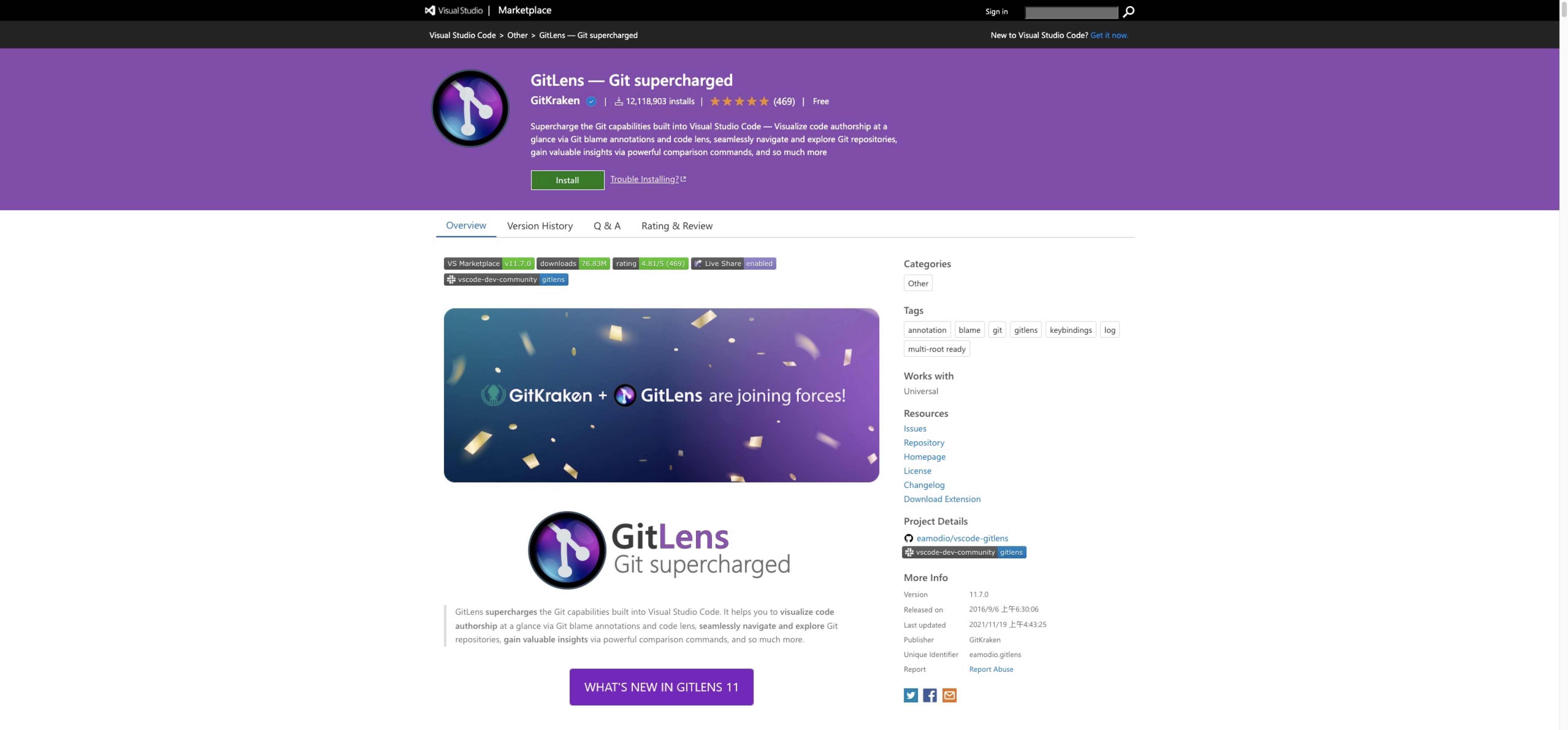
在插件市场搜索GitLens并安装
自定义个性化配置
在 settings.json 中输入配置
// "gitlens.currentLine.format": "${author}:${date}${ ★ message|50?}",
"gitlens.currentLine.format": "<${author}> commit ${date}",
"gitlens.currentLine.dateFormat": "YYYY-MM-DD",
"gitlens.currentLine.scrollable": false,
"gitlens.codeLens.enabled": false,
"gitlens.statusBar.enabled": false,
"gitlens.views.commits.avatars": false,
"gitlens.defaultDateShortFormat": "YYYY-MM-DD",
"gitlens.defaultDateFormat": "YYYY-MM-DD HH:mm:ss",
"gitlens.defaultTimeFormat": "mm:ss",
"gitlens.views.formats.commits.description": "<${author}> ${date}"
可配置侧边栏状态
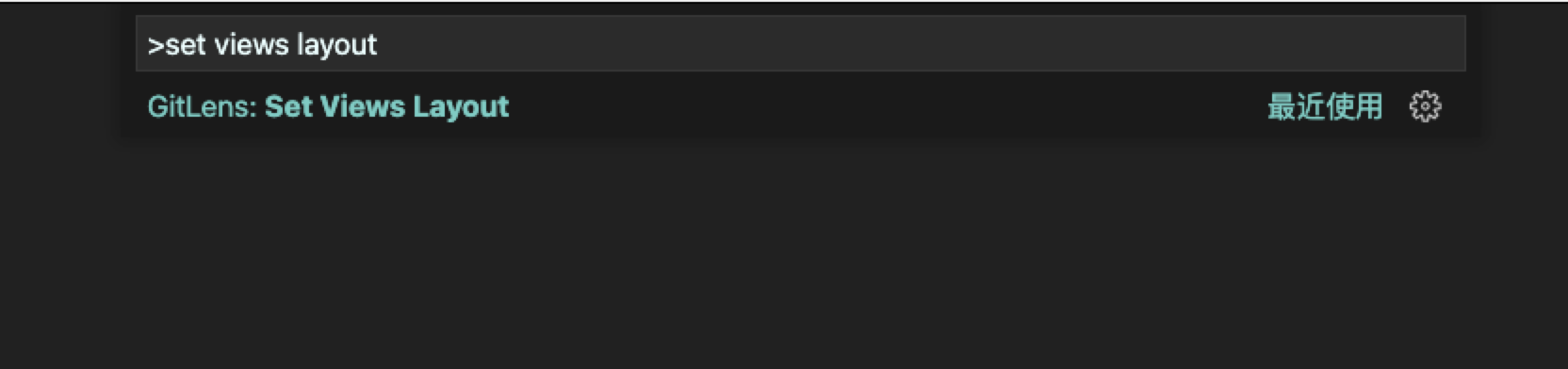
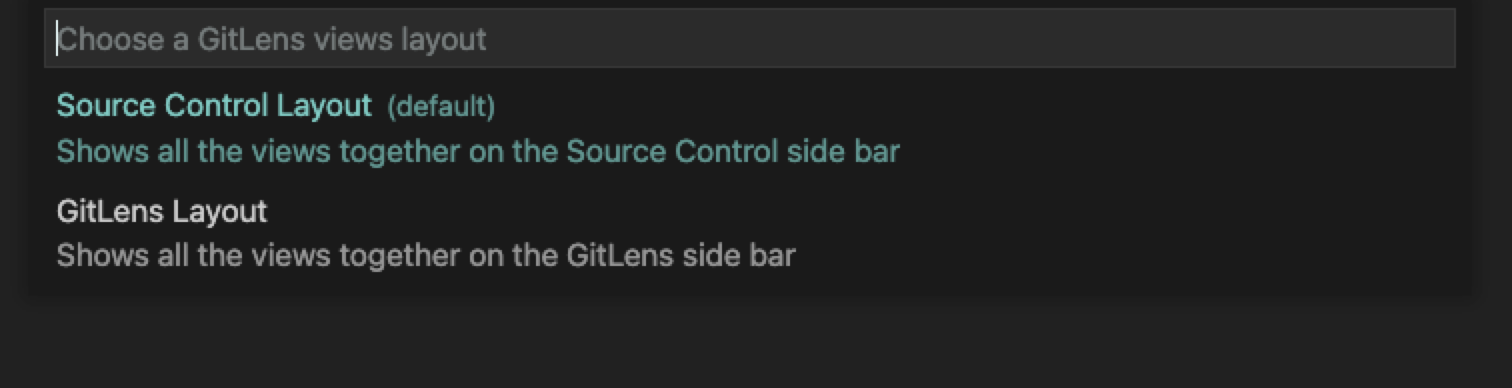
在 VS Code 中 ctrl + shift + p 输入 set views layout 配置侧边栏中的位置